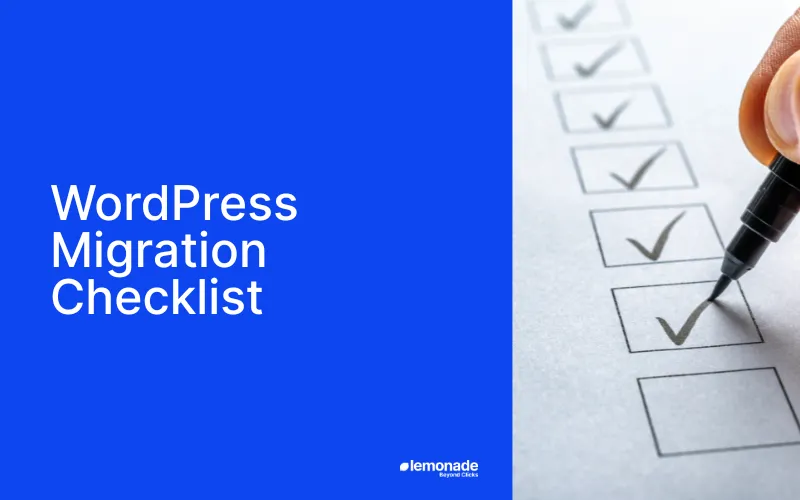
WordPress Migration Checklist
In Singapore’s fast-paced digital economy, website downtime can cost businesses dearly—lost revenue, diminished customer trust, and negative brand impact. While WordPress powers nearly 43% of the web globally, including many Singaporean businesses, migrating a WordPress website without interrupting user experience remains a challenge. This calls for a meticulous migration strategy that addresses WordPress core updates, plugins, security hardening, performance, and thorough testing.
Understanding the Challenges of WordPress Migration
The migration process involves moving a WordPress site from one environment to another—be it a new hosting provider, domain change, or environment upgrade. Key challenges include:
- Synchronising Databases and Files: Ensuring new and existing content is intact and up-to-date.
- Managing WordPress Core Updates: Differences between old and new WordPress versions may cause compatibility or security issues.
- Plugin Vulnerabilities and Theme Conflicts: Plugins or themes may not behave identically after migration, causing breakages or security holes.
- Minimising Website Downtime: Critical especially for Singapore businesses dependent on web leads or e-commerce.
Tackling these requires a rigorous checklist that balances technical depth and client communication.
Core Pillars of a No-Downtime WordPress Migration
1. Up-to-date WordPress Core Installation
Ensure both source and destination environments run the latest stable WordPress core version. According to DeveloPress, core updates often patch critical security flaws and improve performance, which prevents vulnerabilities during migration.
Migration on outdated cores risks plugin compatibility issues and security exposure during transition. Also, running core updates before migration reduces cascading errors and simplifies database upgrade processes.
2. Audit and Update Themes and Plugins
Identify and update all themes and plugins to their latest versions. Plugin vulnerabilities are a common cause of security breaches and site downtime. Ensure no deprecated or unsupported plugins remain. Themes must also be compatible with the destination environment’s WordPress version.
3. Rigorous Site Hardening and Security Measures
Leverage site hardening best practices including HTTP security headers, two-factor authentication, and firewall rules in both environments. Especially important for compliance with Singapore’s rigorous SOC 2 and PCI standards, this protects against exploitation during migration.
Reference the detailed guidance from Search Engine Journal for implementing security headers and preventing common attacks.
4. Speed Optimization and Performance Testing
Migration should maintain or improve website loading speed. Perform caching strategy review, asset optimization, and CDN configurations before migration. Speed optimisation reduces bounce rates and improves SEO rankings, pivotal in Singapore’s competitive market.
The Migration Process: Step-by-Step Checklist
Pre-Migration
- Backup Everything: Create complete backups of database, themes, plugins, and uploads. Use reliable tools like UpdraftPlus.
- Establish a Staging Environment: Clone the site on an isolated staging server with identical environment configurations.
- Run WordPress Core, Plugin and Theme Updates: Apply all updates on staging for compatibility checks.
- Setup Security and Hardening Measures: Configure firewalls, security headers, and access restrictions on staging.
- Performance Baseline: Measure site speed and Core Web Vitals for comparison post-migration.
Migration Execution
- Database Export/Import: Use tools like WP-CLI or plugins optimized for safe migration.
- File Transfer: Move wp-content folder and configuration files carefully.
- Search & Replace: Adjust URLs and paths in database if domain or server paths change.
- Synchronize Content: Schedule migrations during low-traffic slots to limit content drift. Use incremental sync tools for database changes.
- Update DNS Records: Time the DNS switch to minimize propagation delays. Leverage low TTL settings in advance.
Post-Migration
- Comprehensive QA & Testing: Conduct functional tests on forms, login, user roles, and plugins. Ensure security protocols are active.
- Monitor Logs and Analytics: Identify errors or spikes in latency immediately.
- Client Onboarding and Handover: Provide clients with documentation on new environment, maintenance plans, and update procedures.
- Performance Re-evaluation: Compare speed and SEO metrics to pre-migration baseline and optimize further if necessary.
Aligning Migration Timelines and Costs with Client Expectations
In Singapore, the price and cost of web design including migration varies widely. Clear timelines and scope help set realistic expectations and mitigate frustration. Incorporate buffer windows for unexpected issues and communicate proactively—this builds trust and smoothens collaboration.
Why WordPress Core Updates Are Central to Migration Success
WordPress core updates deliver more than feature improvements—they resolve vulnerabilities and enhance database structures critical for compatibility. Migrating with old core versions leads to plugin clashes and security gaps. The roadmap to WordPress 7.0, as detailed on DeveloPress, emphasises advancing core security, which should be leveraged during migration.
Conclusion
Executing a no-downtime WordPress migration in Singapore demands attention to detail across technical and project management areas. Focusing on WordPress core updates, plugin and theme health, security hardening, speed optimisation, and thorough testing minimizes risks and preserves business continuity.
For Singapore businesses seeking expert support, engaging seasoned WordPress Developer Singapore professionals can ensure a seamless migration experience tailored to local market demands. Adopting structured processes for migration not only avoids downtime but also enhances your site’s resilience and compliance posture moving forward.
Ready to migrate your WordPress site without disruption? Contact us today for tailored advice and support.